Ceez
-
Posts
17 -
Joined
-
Last visited
Everything posted by Ceez
-
I found the problem. Since I’m running a static ip address I had to put my pc MAC address in r3 MAC address cloning. I don’t know how it changed or what happened but it worked fine before. Took me some time to figure it out. I now have 0 packet loss. Thanks for all your help
-
Local site results
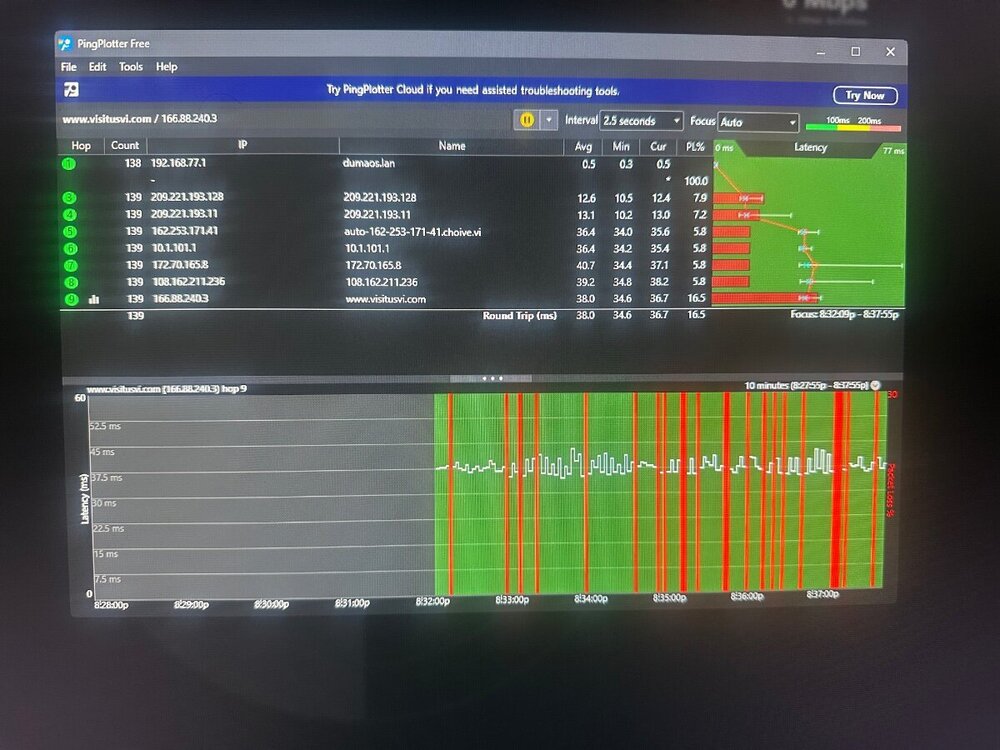
-
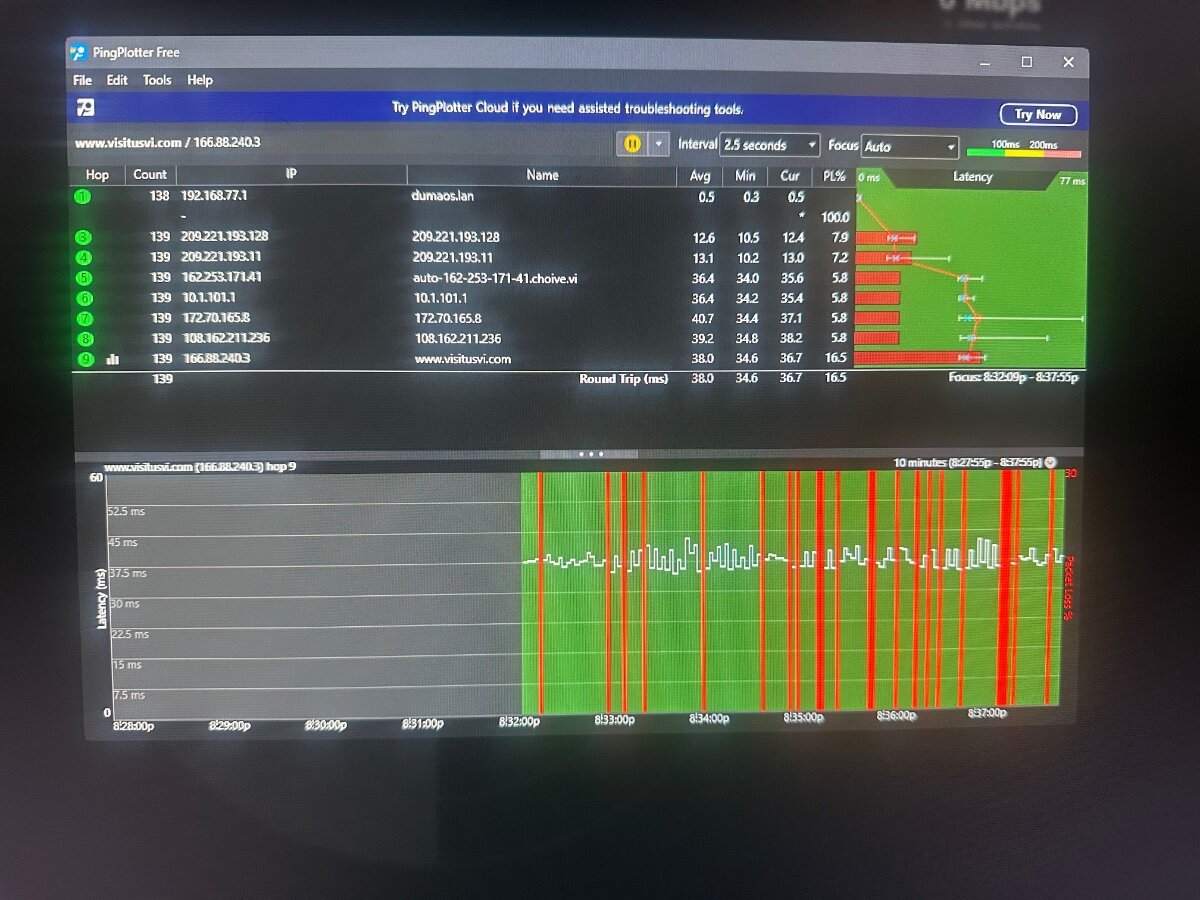
No hybridvpn no blocker no internet rules no port forwarding not using DMZ because modem is in bridge mode.
-
-
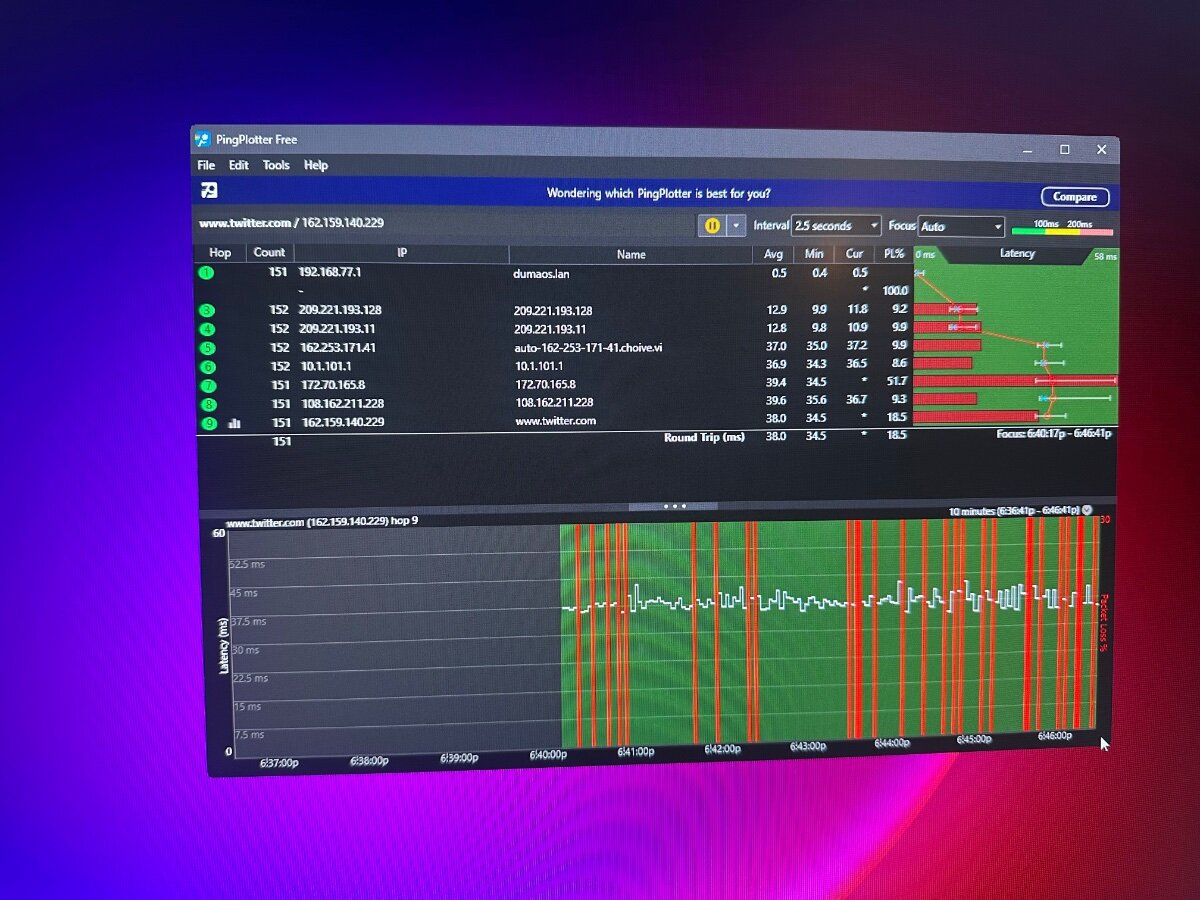
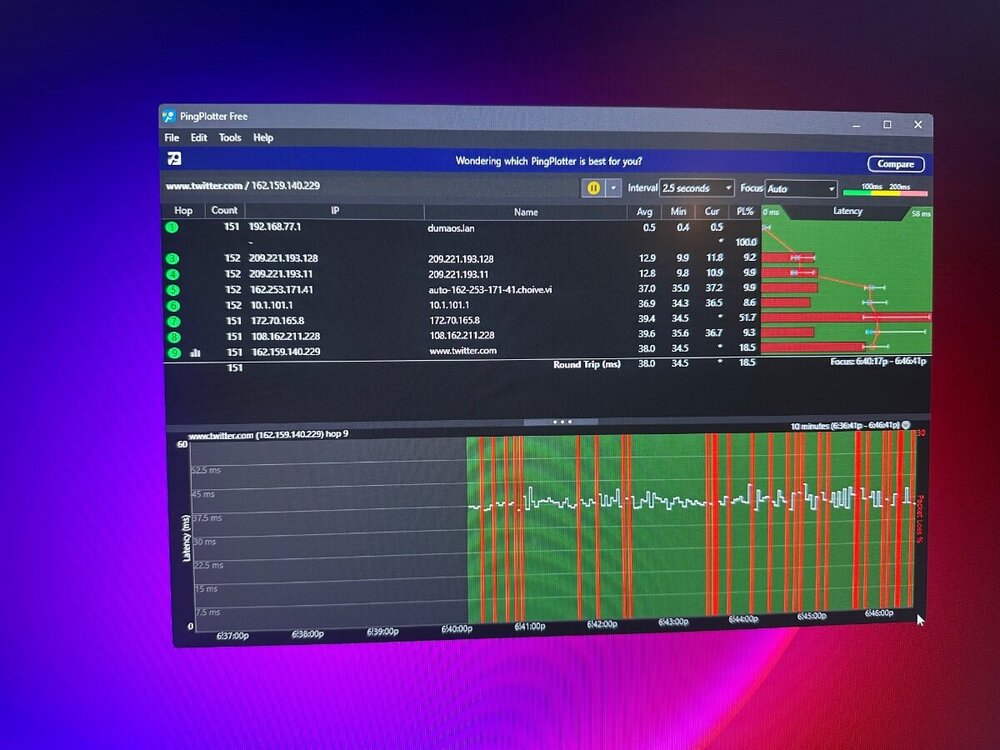
This test is to twitter.com not sure if this is what your asking for
-
What local site do you want me to use?
-
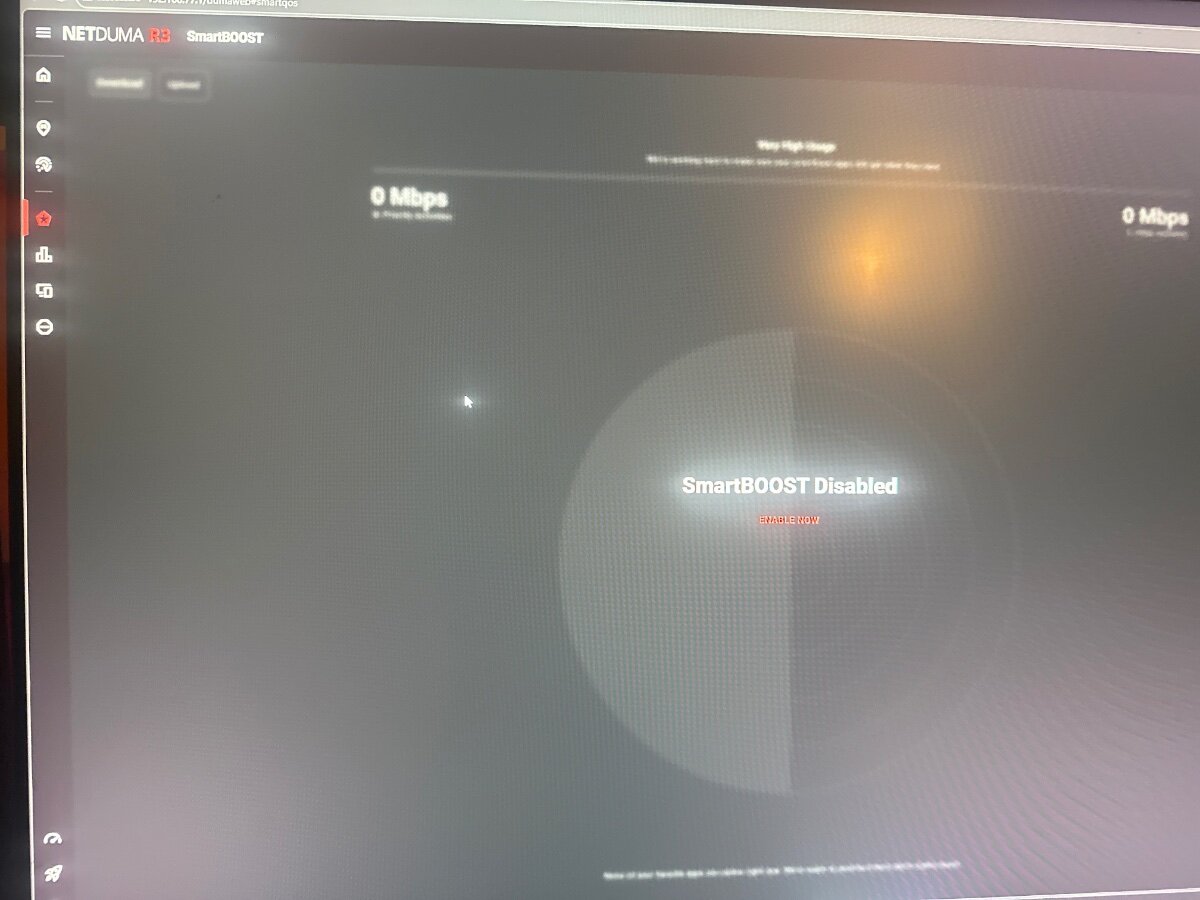
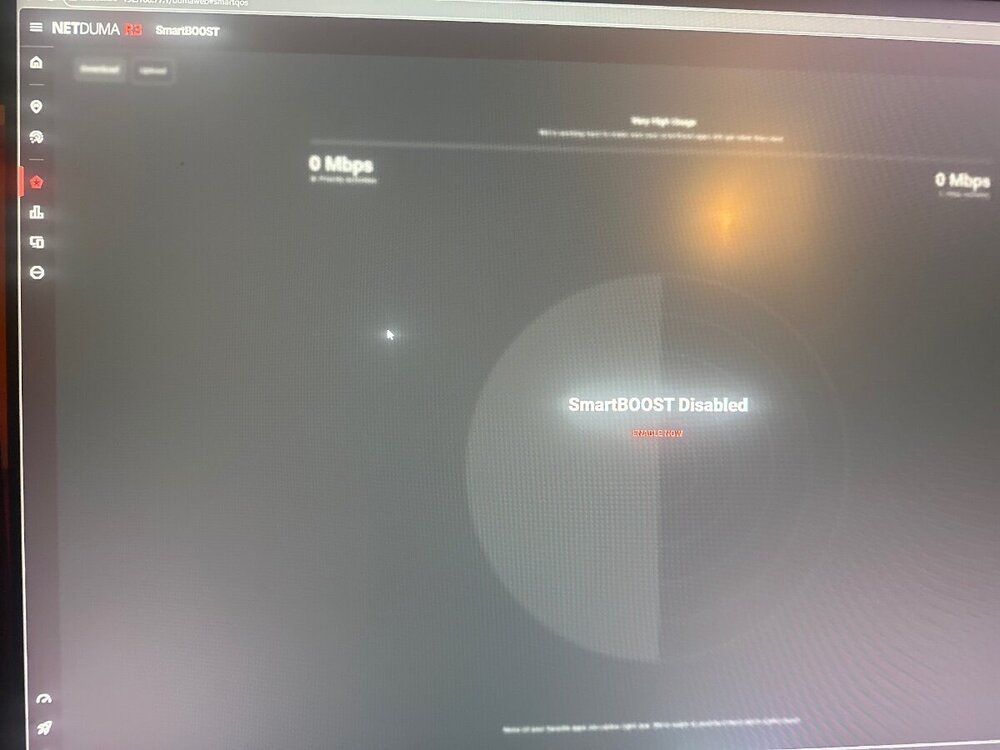
On R3 smart boost is disabled, geo filter is disabled, WiFi is disabled,wan and lan ipv6 disabled. In advanced troubleshooting settings allow ping is on, syn flood protection is on, dpi classification is on and bi classification is on
-
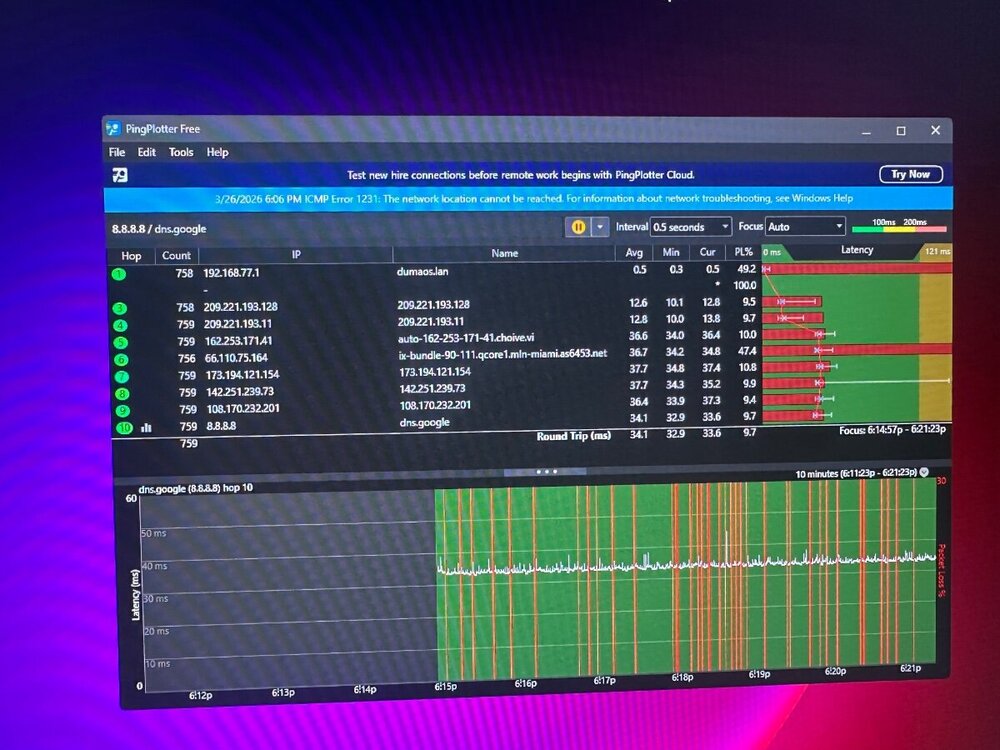
This is isp modem in bridge mode to netduma r3 to pc. Been happening for over a month I had the netduma r3 for over a year and never had this issue
-
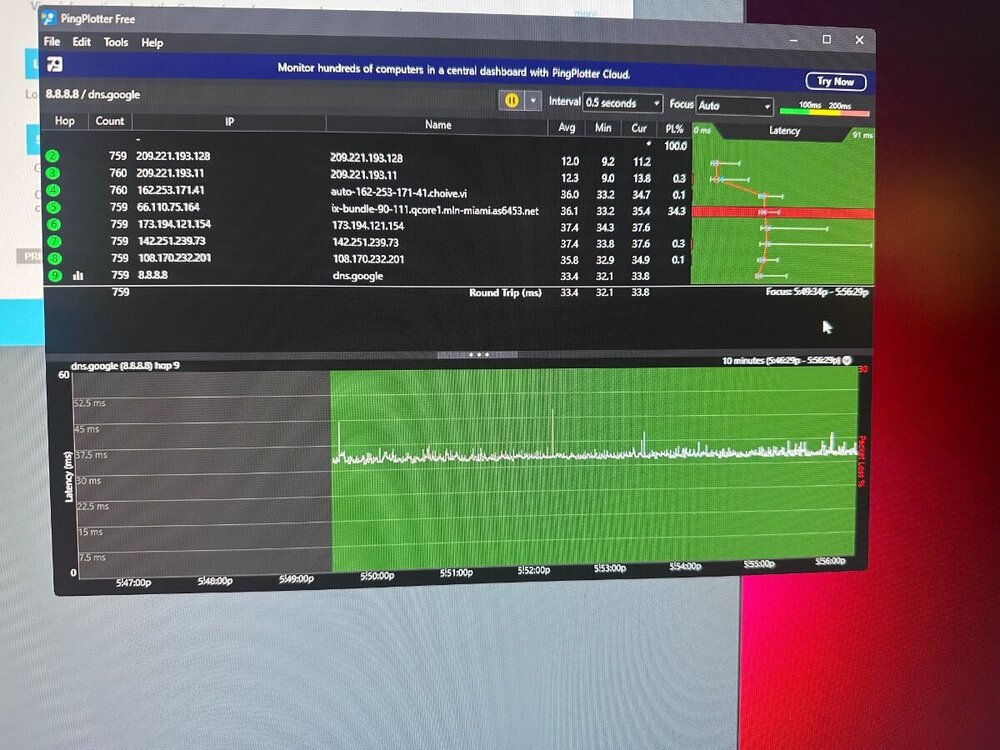
This is isp modem arris tg3452 in bridge mode connected straight to pc cat6 cable
-
ISP outage right now so I can’t test anything. Hop 2 doesn’t show because isp modem is in bridge mode so it bypasses. If I’m connected straight to isp router hop 1 is no longer 192.168.77.1 it show isp router 192.168.0.1
-
Yes I’m using Ethernet at all times. Originally before doing any ping plotter test I was playing call of duty and I felt like my bullets wasn’t registering and the game felt laggy. Now if I’m playing call of duty using netduma r3 I’m rubberbanding but if I connect straight to modem I get no lag in game
-
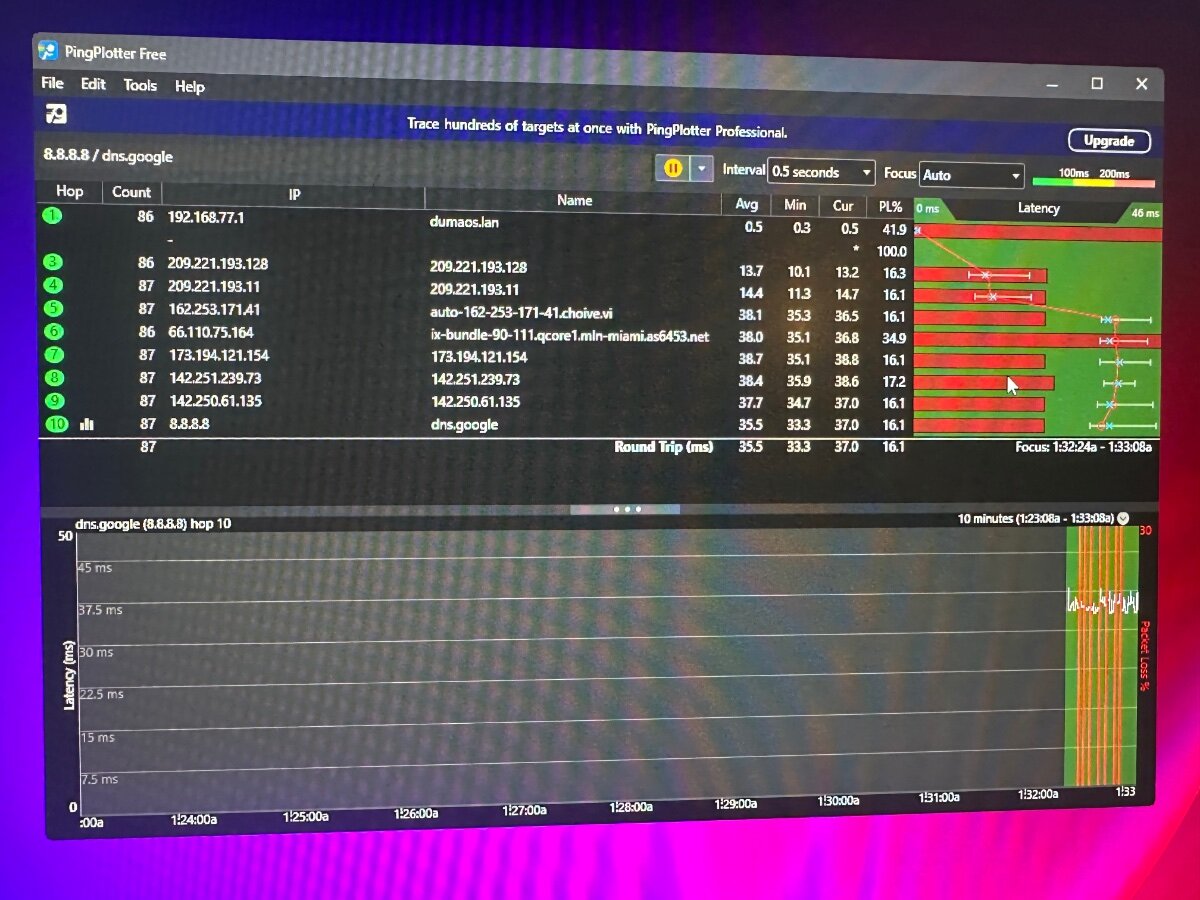
I tried 1.1.1.1 still has packet loss I tried ping plotter dns still the same. I’ll post them all in about an hour. The issue is coming from netduma r3 because any other router I use no packet loss
-
I still get packet loss no matter what I set the interval. ISP modem to pc no packet loss. ISP modem to tp link router to pc in bridge mode no packet loss. ISP modem to netduma r3 to pc in bridge mode I get packet loss. It was never like that recently started
-
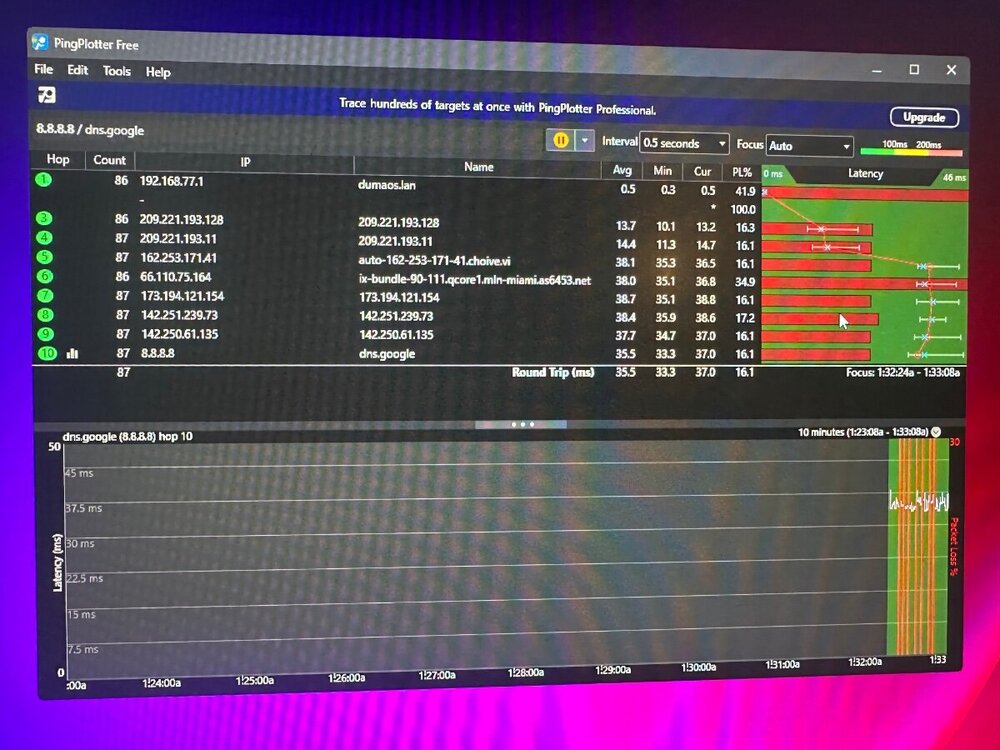
Switched out cables still the same. No packet loss from my isp modem to my pc but if hook up isp modem + netduma r3 to my pc I get instant packet loss
-
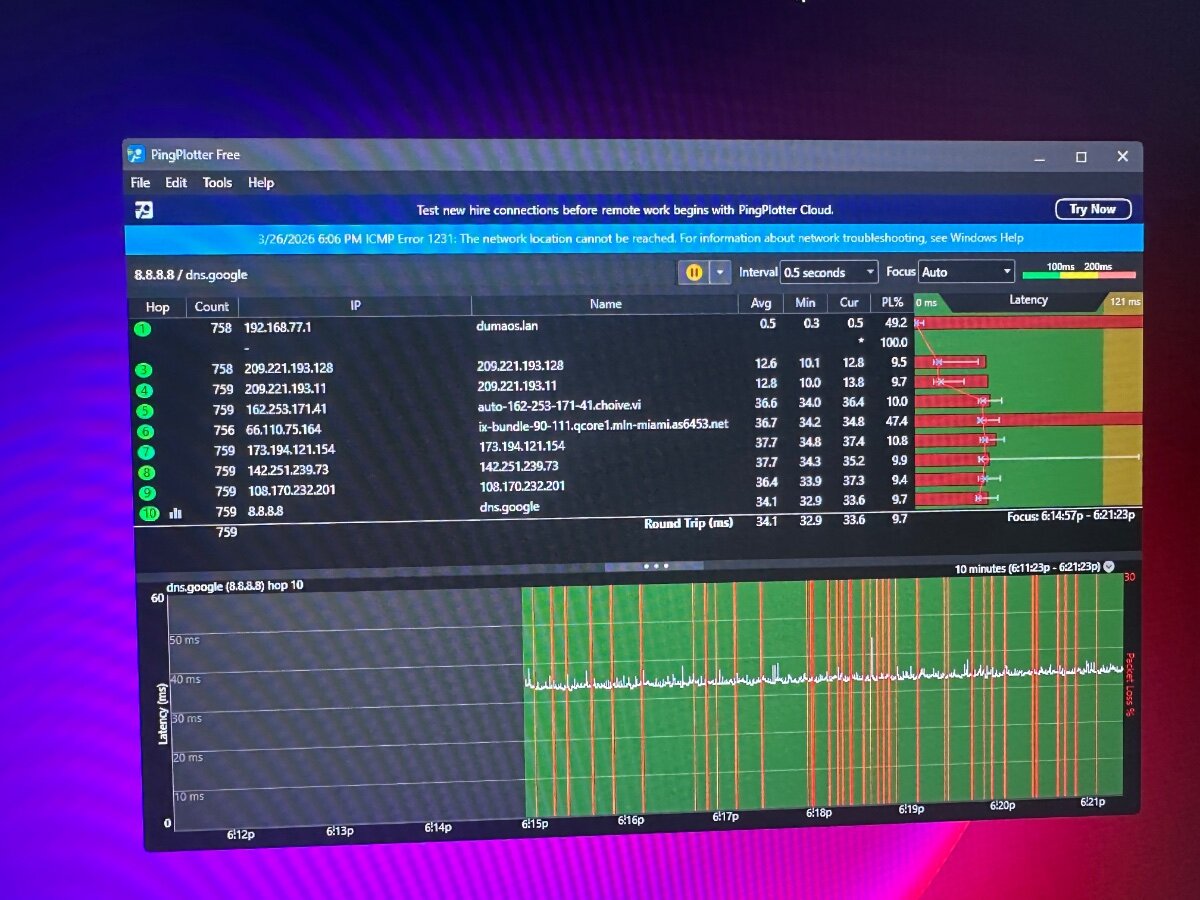
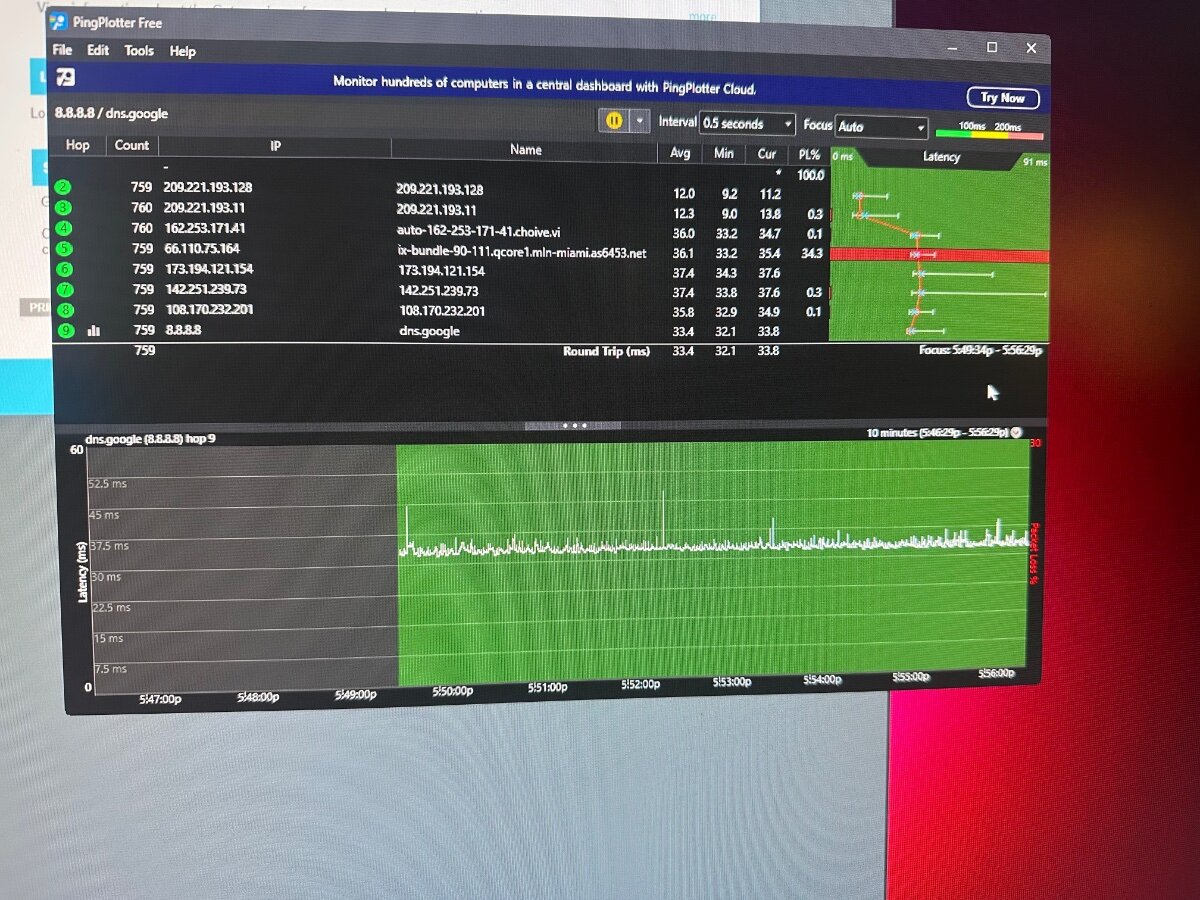
My netduma r3 was working fine up until a month ago I started getting packet loss. I ran a ping plotter test to 8.8.8.8 and all hops are from 12%-20% packet loss. My modem from isp is on bridge mode. If I connect from my isp modem straight to pc I get 0 packet loss on all hops. I factory reset my netduma r3 turned on and off smart boost I tried everything I get packet loss if I use it. What is causing this issue???
-
Most of time when I run ping optimizer upload and download ping is around 73ms and ping couldn’t be optimized. I can turn down the sliders in congestion control but it doesn’t change upload or download ping. Maybe that’s an issue from my isp not sure how it works
-
My isp modem is in bridge mode connected to netduma r3. I have 1gb download and 100mb upload plan. I have smart boost turned off. When I run a speed test on netduma router it’s showing 206 download 88 upload. If I run a speed test on speed.cloudflare.com or speedtest.net I’m getting 831 download 96 upload. What is causing this issue?