
Bernard
-
Posts
28 -
Joined
-
Last visited
Everything posted by Bernard
-
 Hello Fraser, 1/ Is it this file : DumaOS-R2-3.3.615-ee498c8daf20acd21018c54f6deb0b09 ? (found here: https://forum.netduma.com/topic/51601-new-r2-firmware-33615-smartqos-version-5/ ) 2/ Will it reset everything or keep my settings ? Bernard
 -
No luck... I also tried to change any possible setting on the Network Settings WAN -> General and Network panels On the system information panel using the browser dev tools and removing disable or pointer none attributes I tried to force shutting down Rapp. Seems it is only visual and doesn't work on the router settings (or lead to an error "no playicon". From time to time I can see the router is doing things, but most of the time it fails to look up to com.netdumasoftware.hybridvpn object Sun Jan 14 09:03:44 2024 daemon.info dnsmasq[11731]: Failed to look up com.netdumasoftware.hybridvpn object Sun Jan 14 09:03:44 2024 daemon.info dnsmasq[11731]: Failed to look up com.netdumasoftware.hybridvpn object Sun Jan 14 09:03:42 2024 daemon.info dnsmasq[11731]: Failed to look up com.netdumasoftware.hybridvpn object Sun Jan 14 09:03:42 2024 user.info com.netdumasoftware.geofilter: App 'com.netdumasoftware.geofilter' initialised & starting. Sun Jan 14 09:03:42 2024 user.info com.netdumasoftware.geofilter: Waiting for 'com.netdumasoftware.devicemanager' to run before starting Sun Jan 14 09:03:42 2024 user.info com.netdumasoftware.geofilter: pending subscription for package 'com.netdumasoftware.dpiclass' Sun Jan 14 09:03:42 2024 user.info com.netdumasoftware.geofilter: pending subscription for package 'com.netdumasoftware.devicemanager' Sun Jan 14 09:03:41 2024 user.info com.netdumasoftware.trafficcont: App 'com.netdumasoftware.trafficcontroller' initialised & starting. Sun Jan 14 09:03:41 2024 user.info com.netdumasoftware.trafficcont: Waiting for 'com.netdumasoftware.devicemanager' to run before starting Sun Jan 14 09:03:41 2024 user.info com.netdumasoftware.trafficcont: pending subscription for package 'com.netdumasoftware.devicemanager' Sun Jan 14 09:03:38 2024 daemon.info dnsmasq[11731]: Failed to look up com.netdumasoftware.hybridvpn object
-
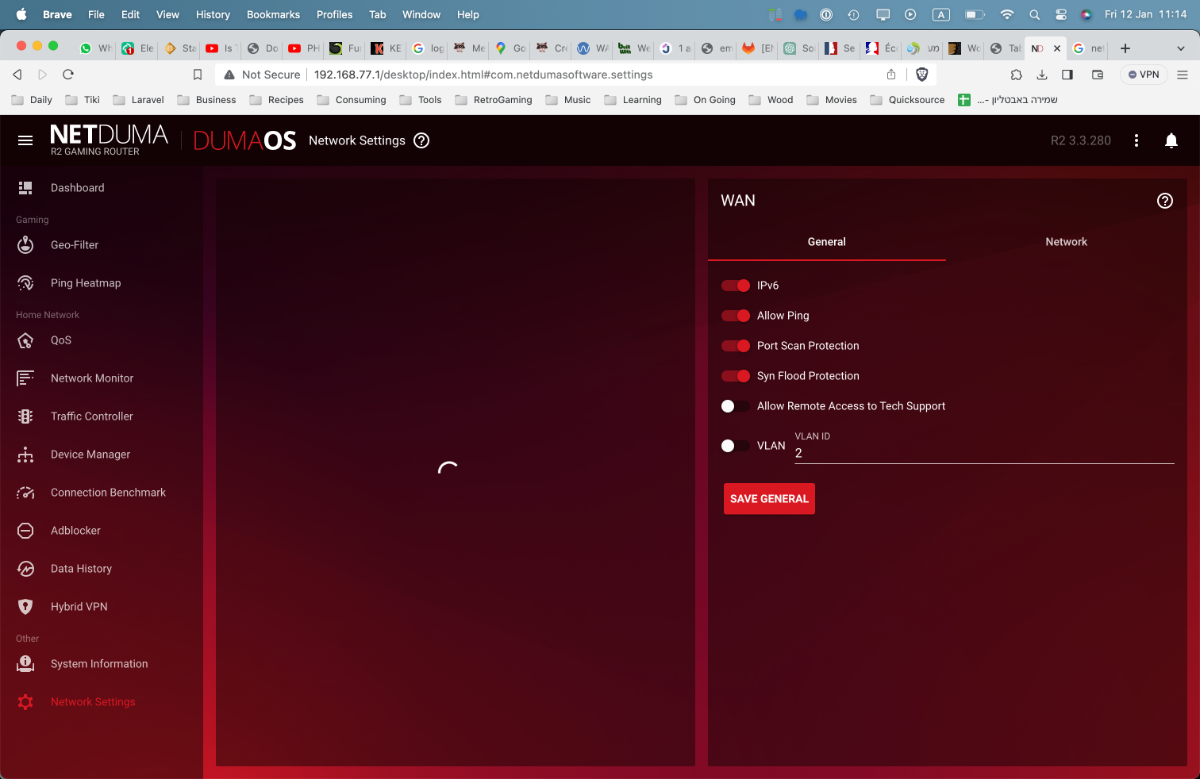
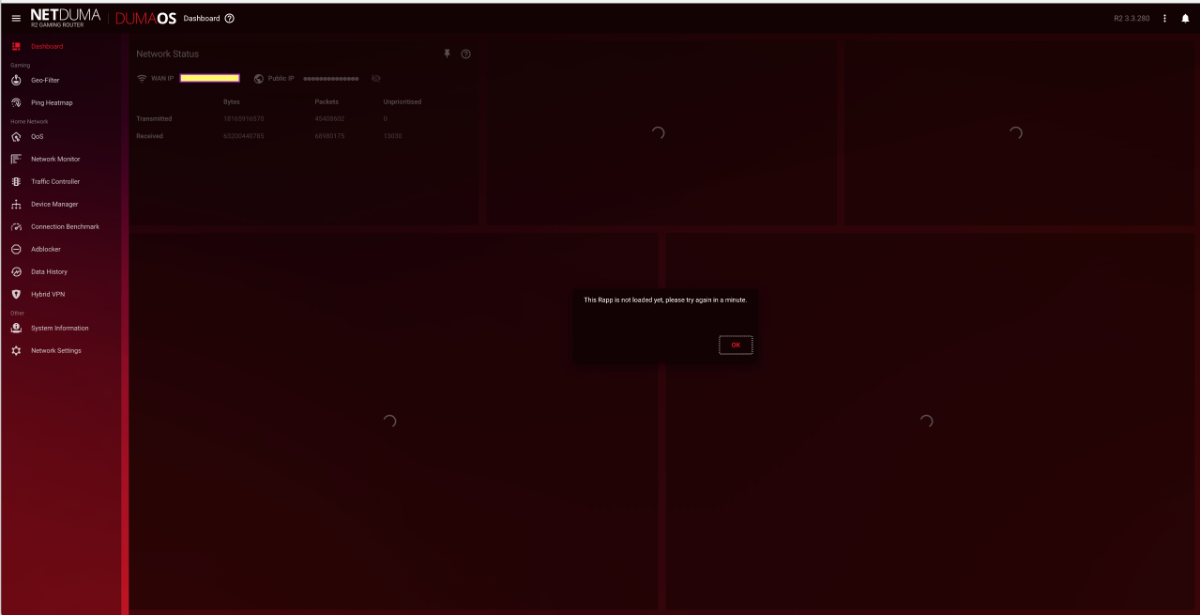
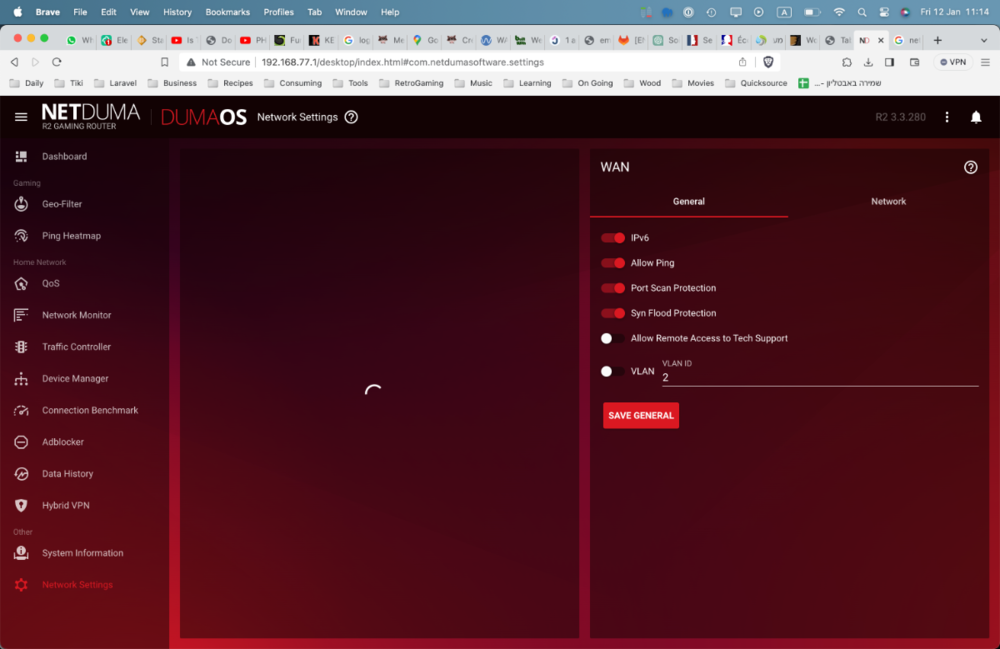
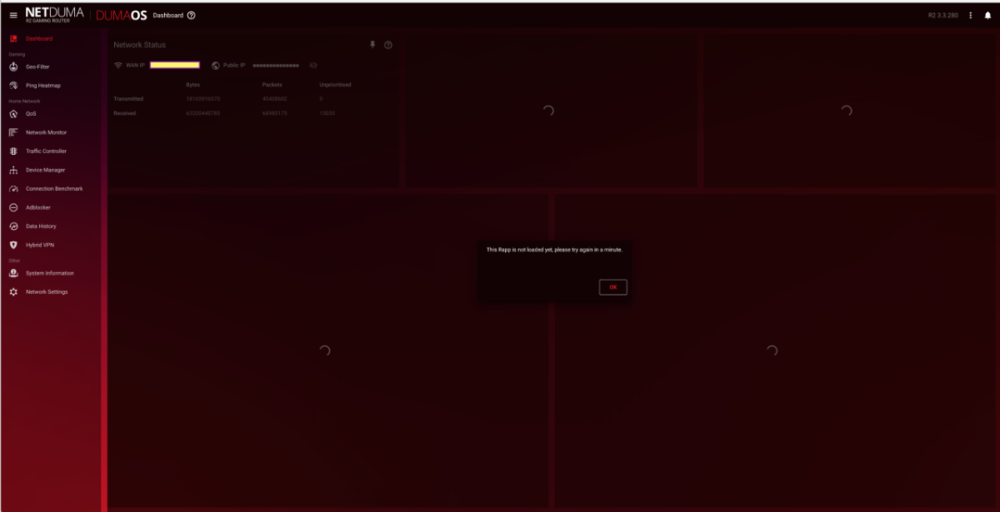
Hello, I have an R2 running r3.3.280 I have internet and the connections + routing are applied correctly. I can't access to most of the Rapp (not loaded retry in one minute) of the router and I can see only: Dashboard -> Networks Status Adblocker -> Adblock panel only System information (all panels) Network Settings -> Wan panel only On the System information: The "Installed Rapps" shows actions switch (play, pause, on startup) but they are all greyed and clicking does nothing. The logs show a tons of: Fri Jan 12 11:21:06 2024 daemon.info dnsmasq[3379]: Failed to look up com.netdumasoftware.hybridvpn object I need to travel in the next coming days and need to add a port forward before I leave the building. Reset factory is out of question and redoing ALL my complicate setup is not an option ! Help ! Bernard
-
Great please send me the discount code in private, I can't find it. Thanks
-
Hello team, I bought an R2 since a year+ and after an enthusiasm first month discovering the DumaOS features I went from disappointment to disappointment. 🤷🏻♂️ Reseted it several times, updated firmware, etc... It is now at least 6 month that, while the router is working, I can't access anything on the dashboard and I'm done reseting the unit again and again. (all info are lost, no backup). I started to think about leaving the Netduma family but saw the announcement of a version 4 for DumaOS that should be proposed for the R2. Is there any ETA ? Will there be some kind of exchange program or a loyal customer discount ?
-
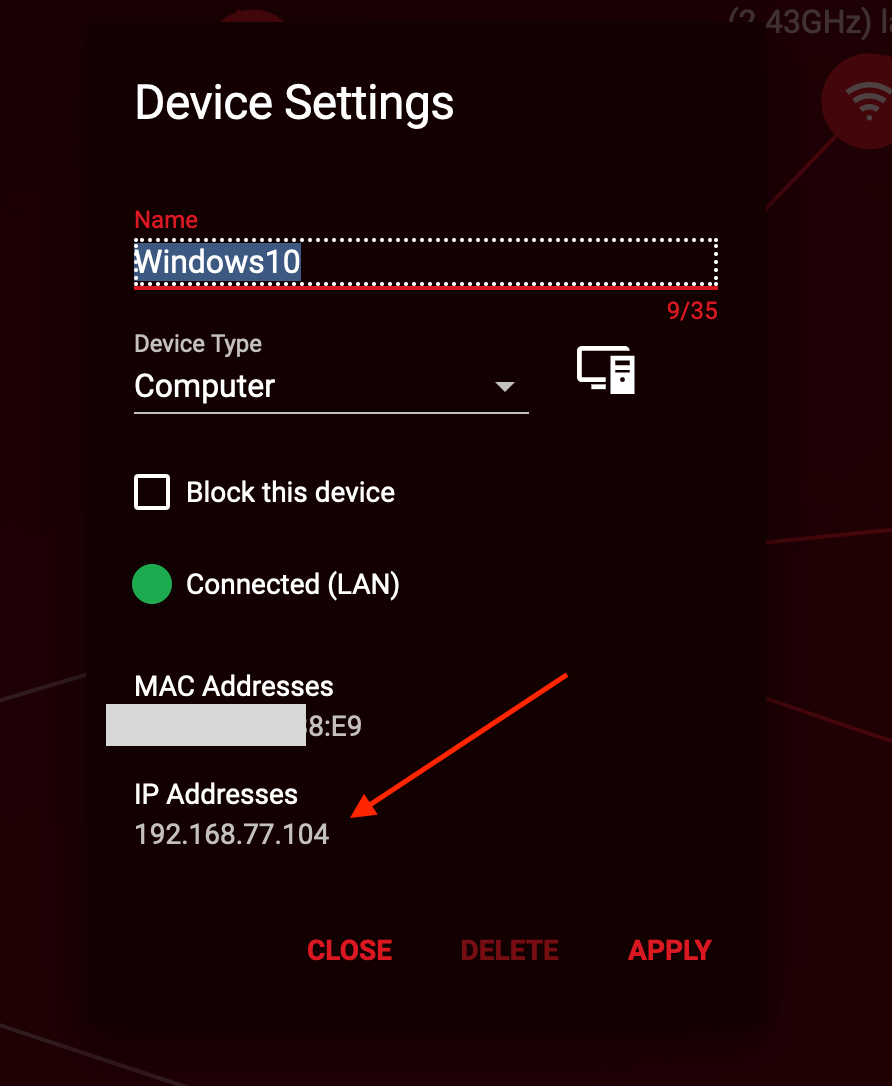
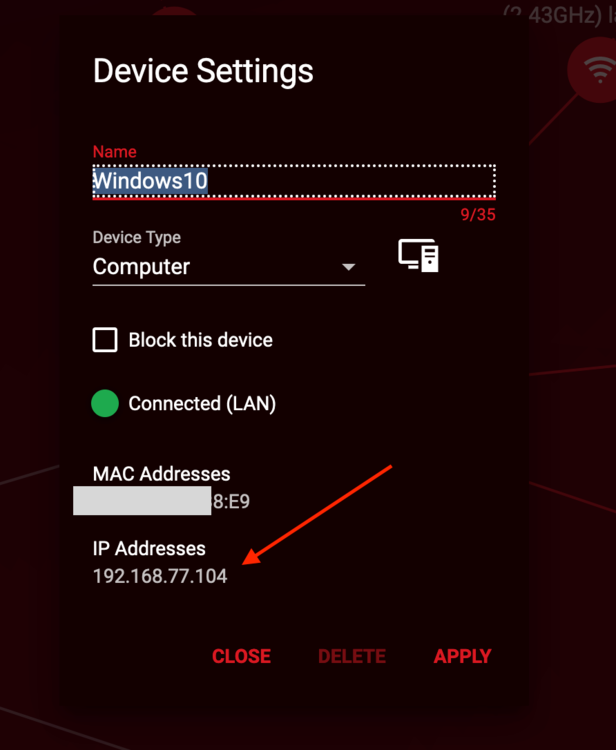
Hi, I understand what to do, it is just that it doesn't work with your software ! IP Reserved from DumaOs don't stay reserved for the corresponding Mac Adress. Is wrong (or doesn't work as expected. Meaning my Windows10 keep changing IP even if Network Settings => DHCP are set to force him to use a reserved IP. The only solution I have is FROM the device to set a fixed IP (IE: Windows10 doesn't DHCP but Manual (or static IP). That's ok for a computer I control, that doesn't work to solve the issue with my daughter mobile....
-
Change the DHCP lease time to 168 Choose an IP outside the range of the R2 Restarted The device picked a new IP... but not the one set at Network Settings => DHCP. 🤷🏻♂️ I understand I can solve this by setting on each device a manual fixed IP, but that's quite a pain !
-
Just happens again, I lost remote contact with my Windows10 because he picked another IP... This should be more reliable.

-
I understand I should be able to control the traffic using "Traffic Controller" app. 🤣 I have 2 rules, one to allow all my daughter devices (mobile, console, laptop) and one to turn them all off. My issue is about selecting devices. My daughter phone is "NTH-NX9" and there are 4 or 6 and they will kept adding as I can't LOCK on the IP. On her mobile I turned off Network Privacy for this Wifi connection but that doesn't help: 1/ The device keep adding on the Device Manager (without it turned off) (seems the device or an app is communicating on other IP) 2/ She can turn it off easily I went on Network Settings => DHCP and set a Reserved IP for this device that didn't help. (devices sometimes change IP and bypass the reservation - seeing on her laptop Win10 and my second computer Win11) I'm using IPV4 and IPV6 does that make a difference ? I hope you understand where I'm stuck.
-
Hello, I have an R2 I just updated to 3.3.x I have a hard time controlling devices and traffic of my kids. (Wifi) For example, my daughter has an android with a connection set in the way that it recognized using the device MAC address (privacy alert). 1/ The device keep opening connection and I have between two or seven of the same device in my device manager. 2/ She just has to turn the setting off and she escape the traffic control. 🤷🏻♂️😂 I have a “home usage” wifi connection set for family devices and “guest” connection. I’m trying to figure how I can set things in the way I disalllow everything but authorized devices with reserved IP and identification label on the home wifi. Look easy but once in the while IP, even reserved are changing