Bul
-
Posts
230 -
Joined
-
Last visited
-
Days Won
1
Everything posted by Bul
-
I played for 3-4 in America then finally it looked for the ping from 62 and (normally 110-140-160 and it finds it) it remained still without finding anything, I tried to reset the filter, turn it off but nothing I was no longer able to go to America
-
How do I set the filter now that I have the PC?
-
I don't understand, could it be firewall? DNS? I don't understand why it doesn't find the games from PC
-
here I am, I switched to PC, I have a problem with the VPN, I use the same VPN configuration set in America on the XR500 but with the PC I can't go and play in America, the ping goes up 113-130 then immediately to 200 and it doesn't find the games, I redid the test from PS5120-140 and then it finds it, what could it be?
-
hi, regarding the traffic priority settings under qos, what should you set if you play call of duty on pc? the call of duty item is not present in the priority
-
Hi ! I have a friend who lives in Australia and when he hosts the games are easier, when he's not there I use the VPN to go to Australia but I can't find the games: "I can't connect to the data center" can you help me? the game and warzone I play from PS, I use the hybrid VPN
-
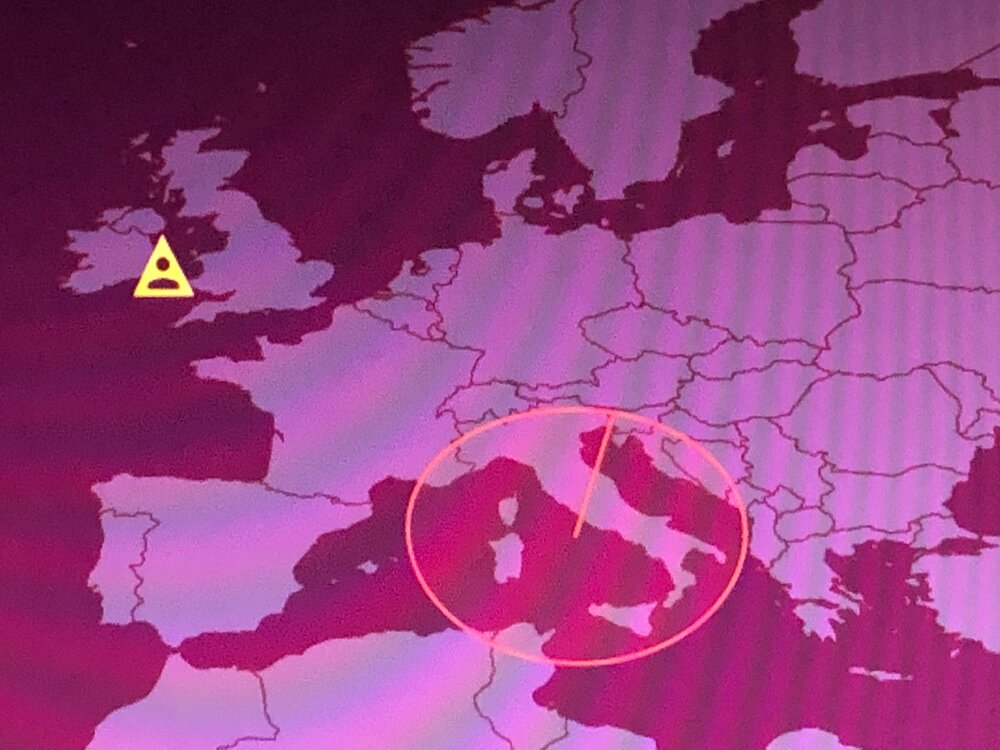
I tried both geofilters but lately they no longer work, the blocked servers appear on the map and those where I want to play correctly, when I start the game the server that I am about to connect to but without result appears on the map, I am unable to enter it, others sometimes it doesn't block the ping and continues to go up and other times it doesn't let me access the game at all
-
I tried to search for the games closest to me, the result is like the American one (which I finally made work by setting the filter with the drawings) using the circle I notice a malfunction, it doesn't connect to the servers / it finds two games and goes into block no longer finds the games, (removing it continues to find the chosen server), I delete the profile/sync/add ps5/manual/ and nothing with the circle no longer works for me like it used to
-
I haven't added/deleted any devices (I'm aware of that bug) can you tell me when there will be a new official firmware for xr500?
-
how can I solve it?
-
American server tests: -if I go to play in America with the geofilter it takes ages/ it doesn't find them, I play cross off from PS5 (error found in the filter: if I set the filter radius above 1800km it doesn't work, if I cover all of America it doesn't work) - if instead I go to America with the VPN, 2 seconds and it finds the games, I always did the cross off test (both identical ping but with the VPN I have the negative point of data loss) I would like to play normally on these servers as I always have but I can't with this new warzone, geofilter configuration: I delete the profile, synchronize, add the PS5 and do it manually
-
Greetings! Happy New Year! I wanted to report the malfunction of the geofilter, I try to force the servers very far from me with ping 110+ (American servers) with 0 results. Xr500v2.3.2.134
-
so if I do this operation the telephone line may not work, any suggestions?
-
if this plan fails I would like to buy a fiber optic modem with good wi-fi, can you recommend a fiber optic modem?
-
as regards the predisposition that I have at home: modem isp tim -> router xr500, can I change it? I insert the tplink (fiber optic to rj45 adapter) and then xr500? I don't know if the xr500 router will pick up the home phone's voip data
-
I have reset through the site is the hole behind the router with no results, now everything is ok thanks
-
i solved the problem by logging in from the phone and clearing the source of the error
-
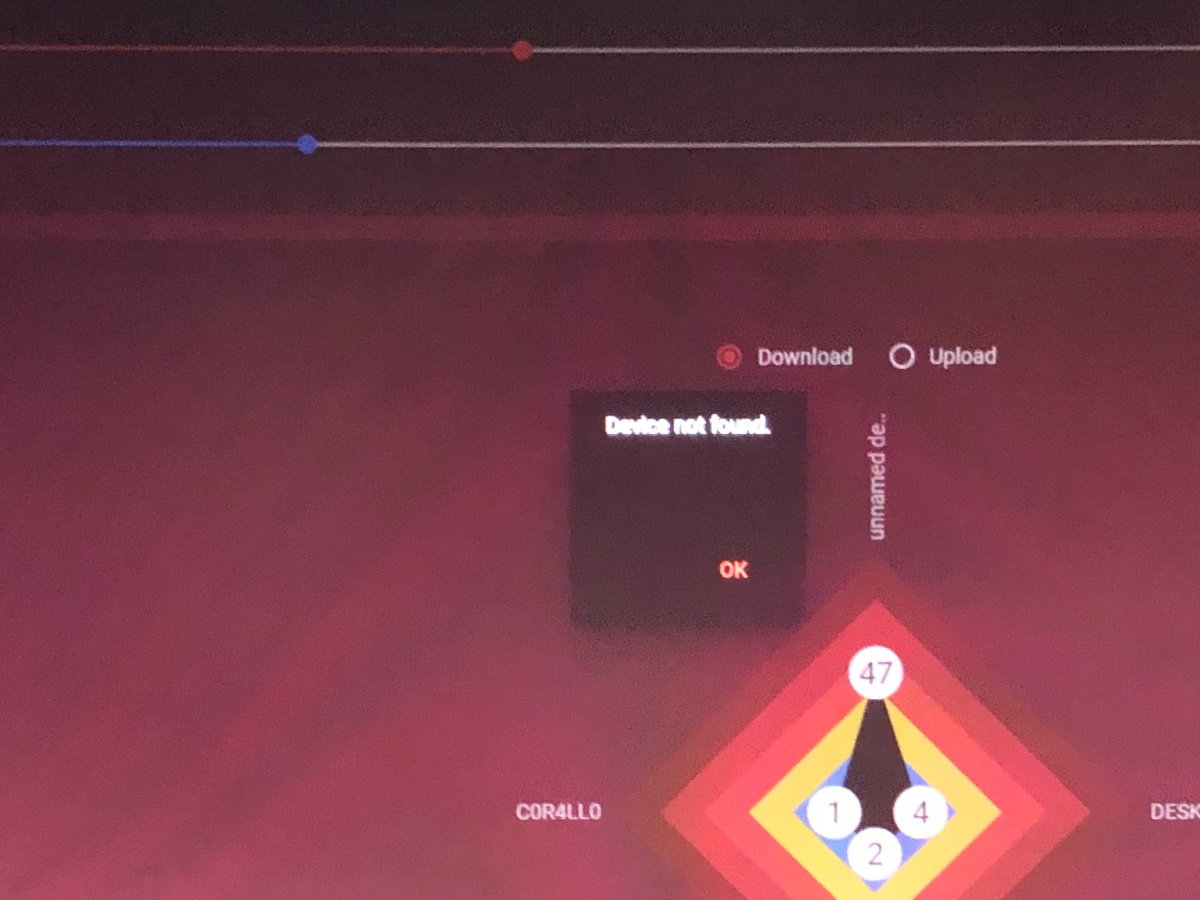
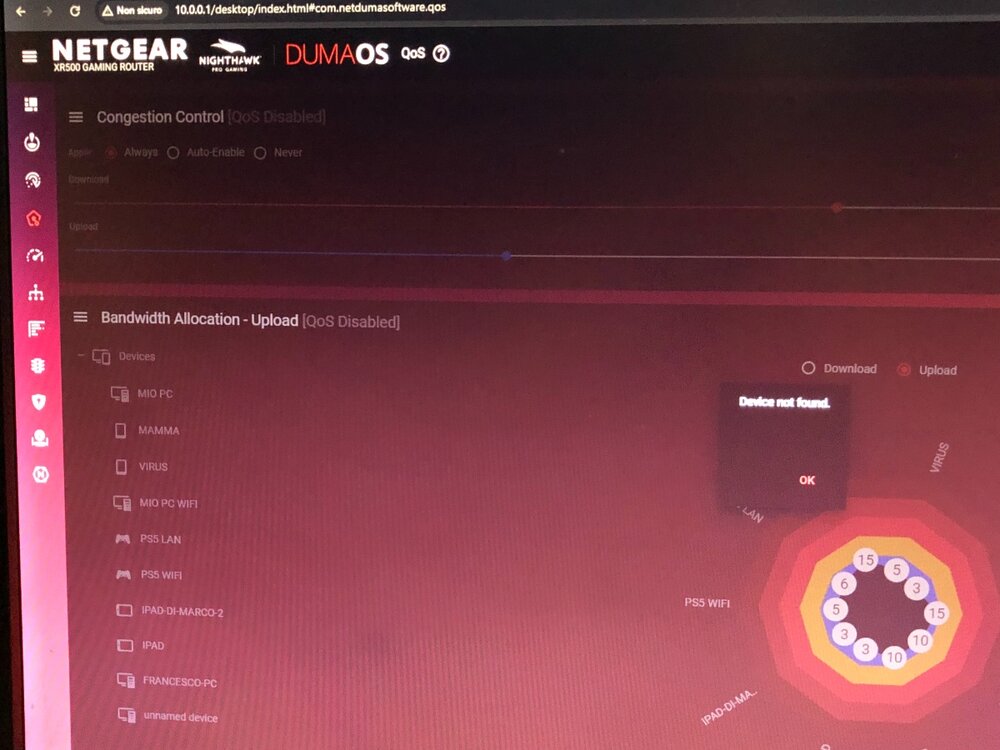
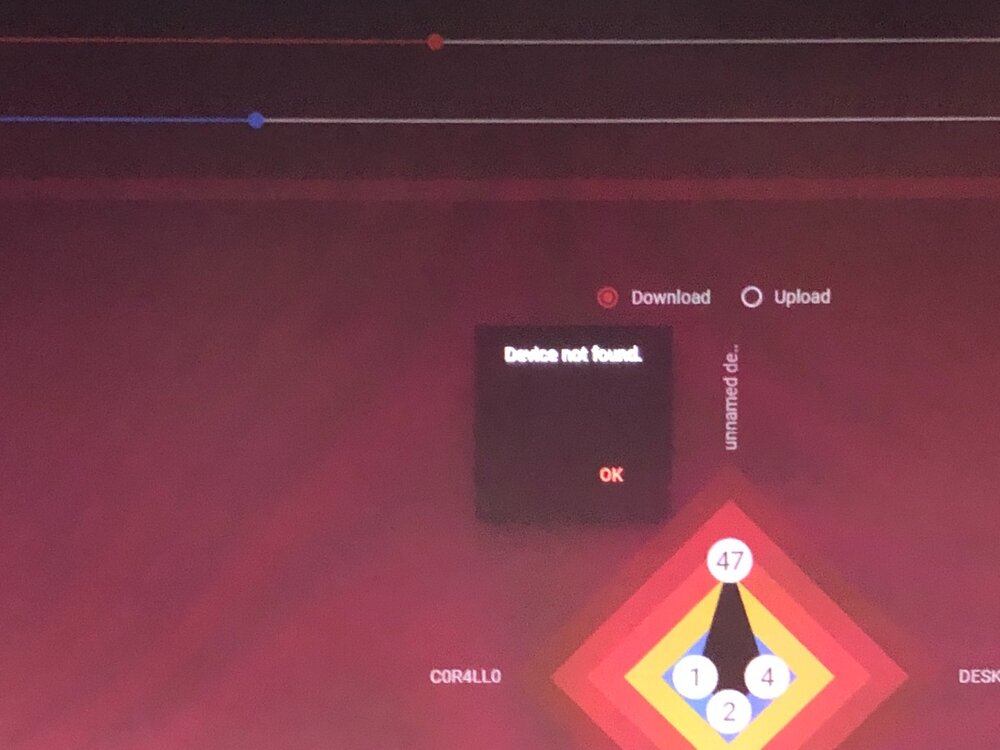
Device not found
-
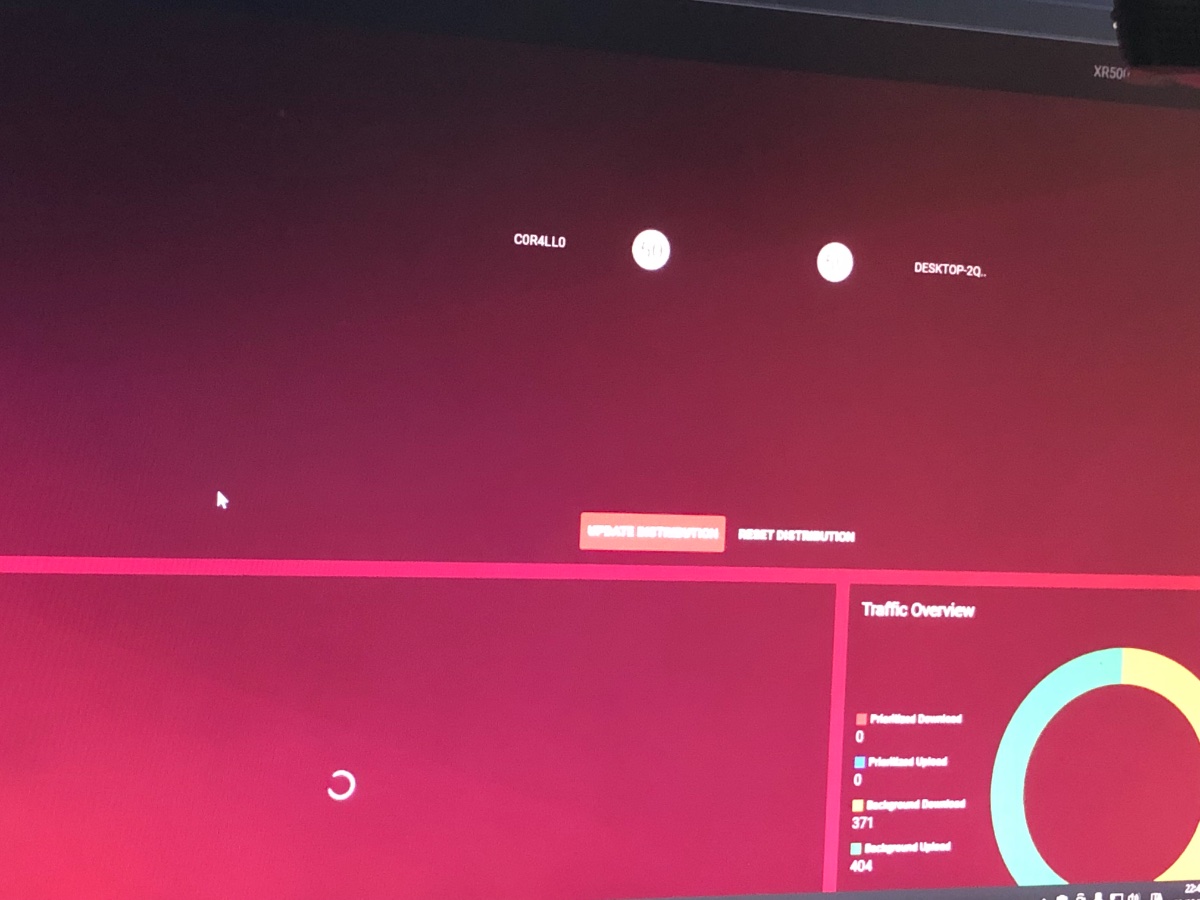
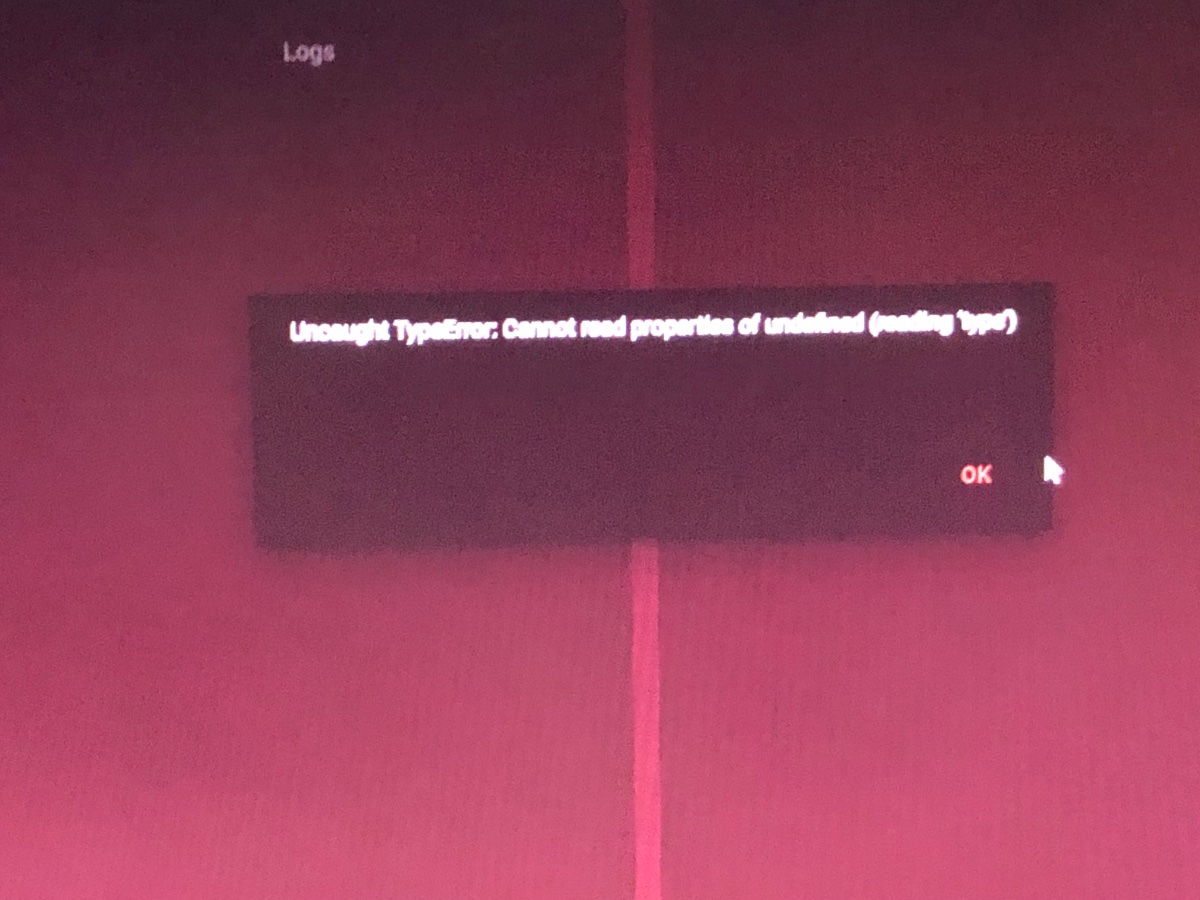
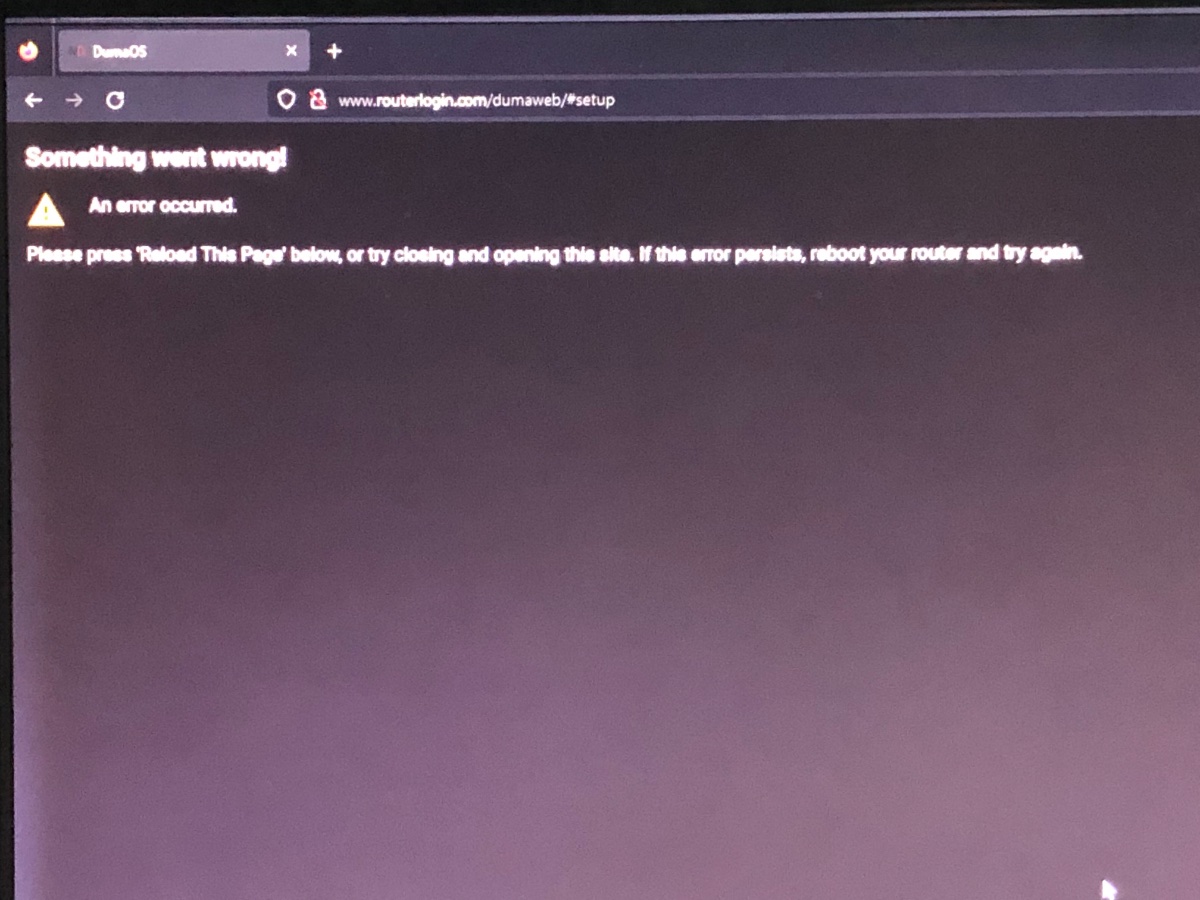
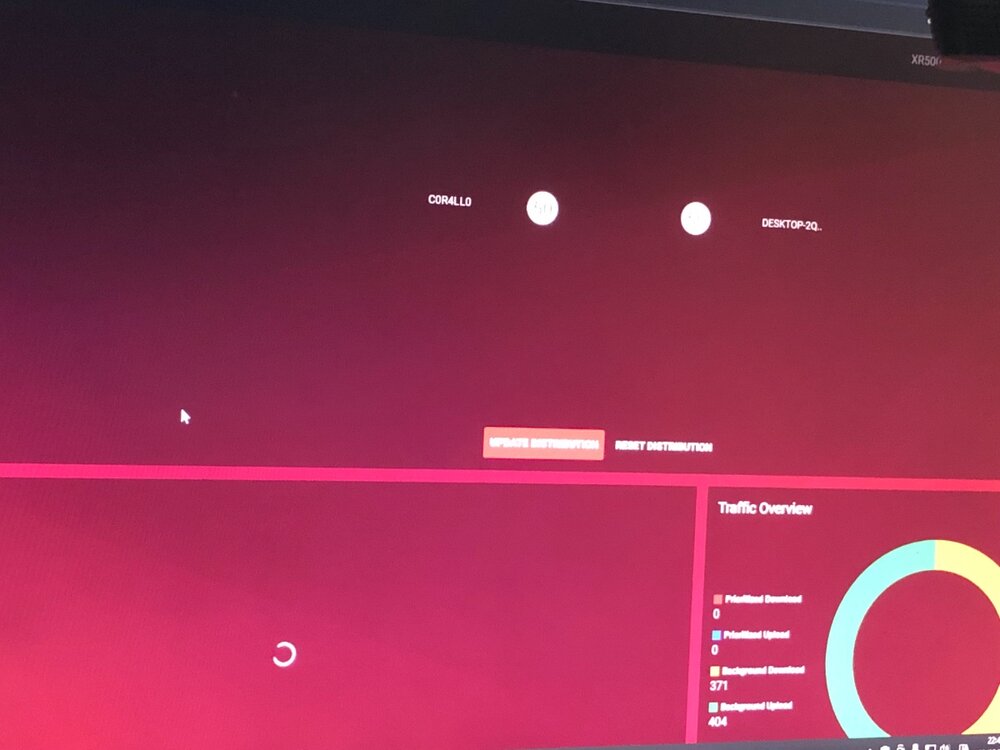
I ended up in another loop, I reset the router twice and it keeps giving me this error, I don't know what to do anymore and since this afternoon I've been wasting my time
-
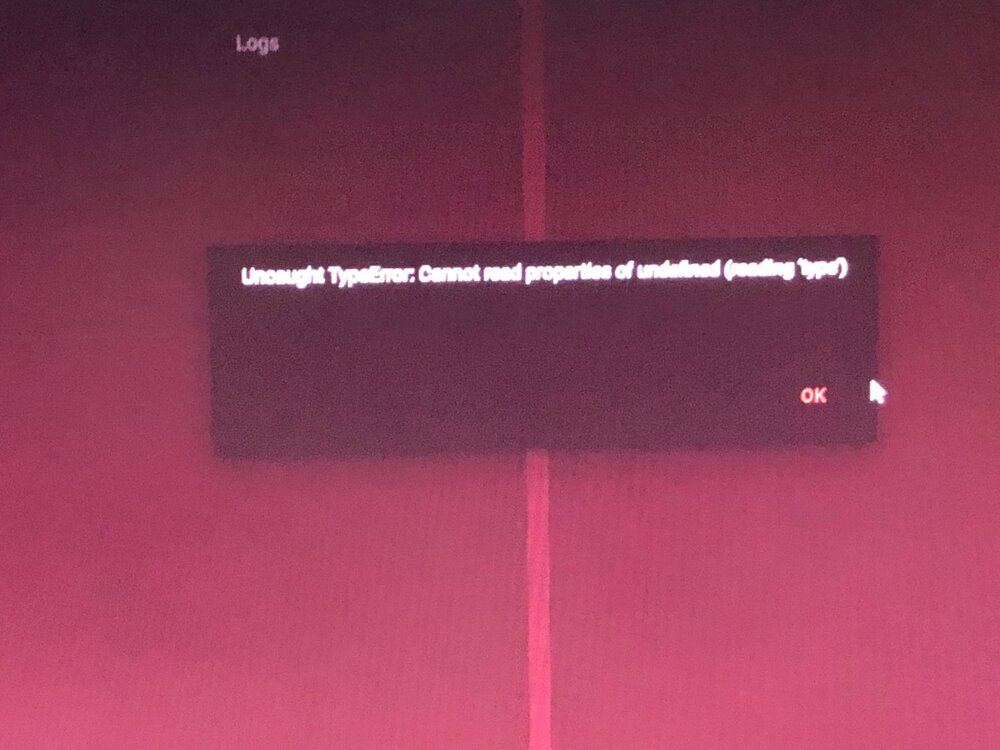
Ho messo la tua versione continua a darmi questi errori i dont know whats going on, i reset restarted and it keeps giving me the same errors
-
Ho installato l'ultima beta e ricaricato il backup, nulla dice che tutti i dispositivi sono guasti e VPN con codici di errore . quel firmware che dici basta lo aggiungo ?
-
i installed the initial version and always went back to the same version of the rc14 beta now everything works
-
Is there any way to go back to the previous version? I don't want to try the betas anymore, and the second time I have a problem that takes me a day +
-
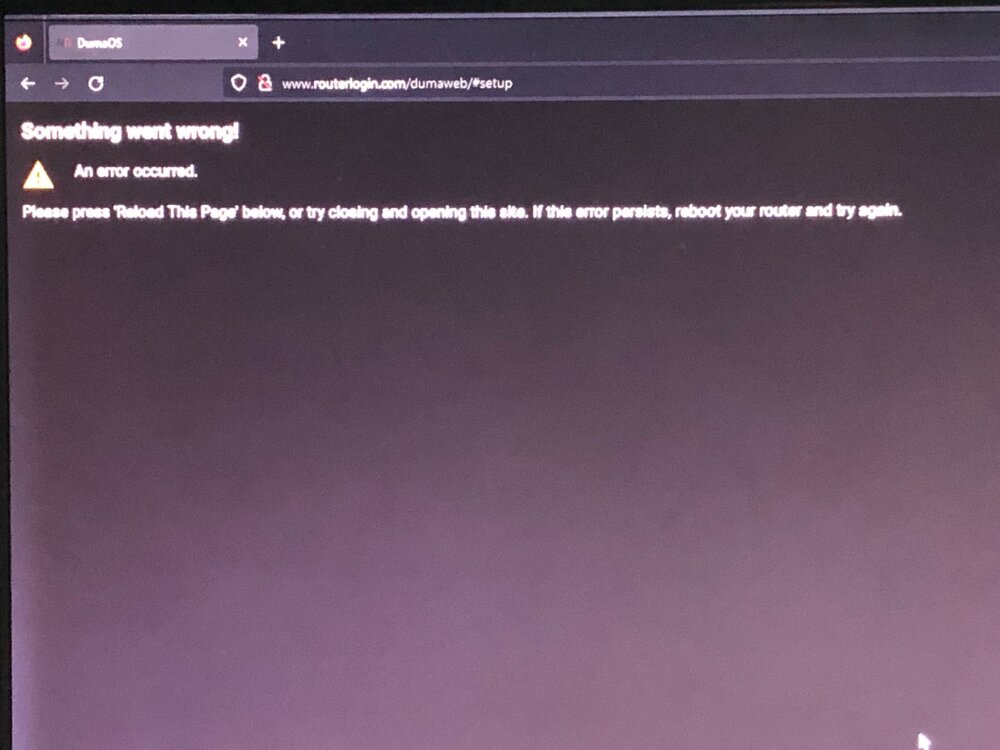
Avevo già fatto i passaggi iniziali della programmazione, li ho rifatti come hai detto tu e ti invio la foto, sono completamente bloccato al punto iniziale I restart the router :”DUMAOS IS NOT RUNNING”
-
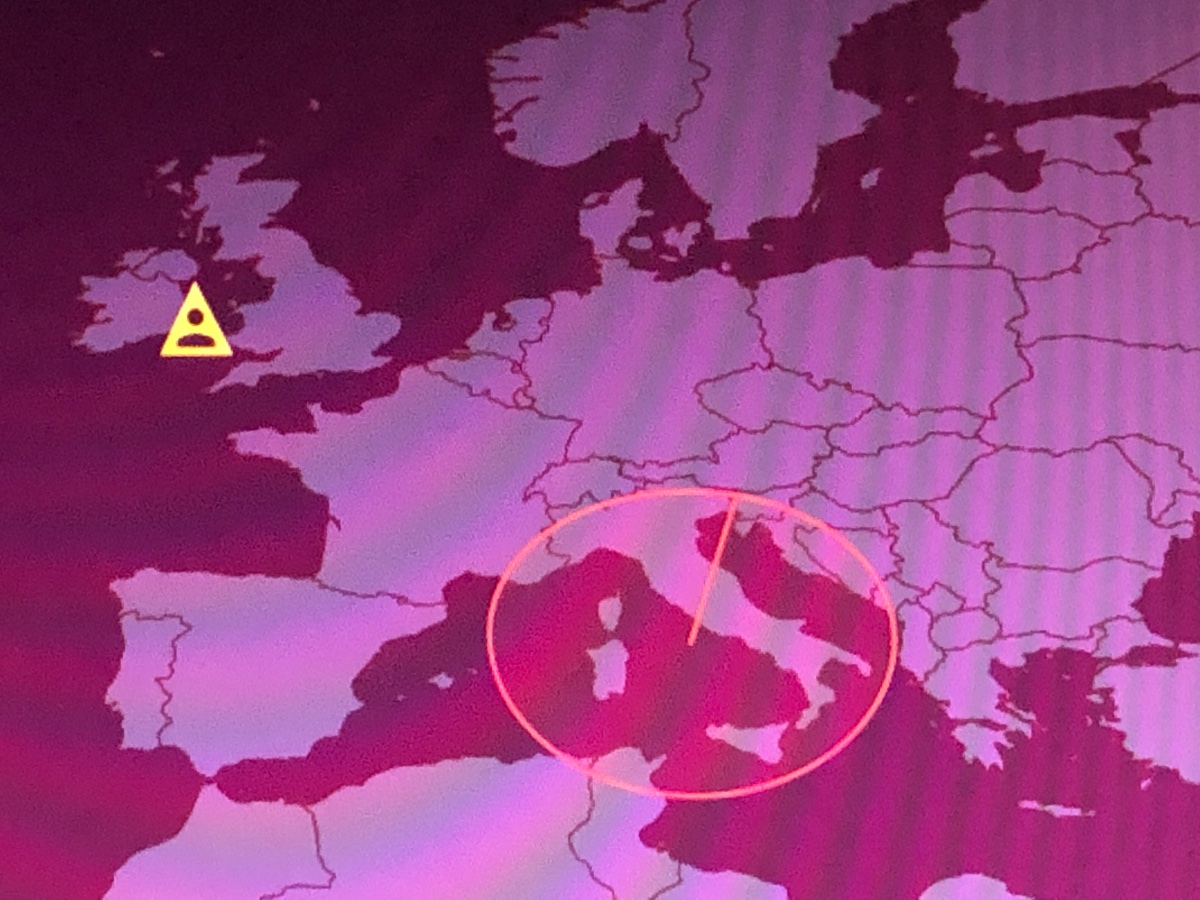
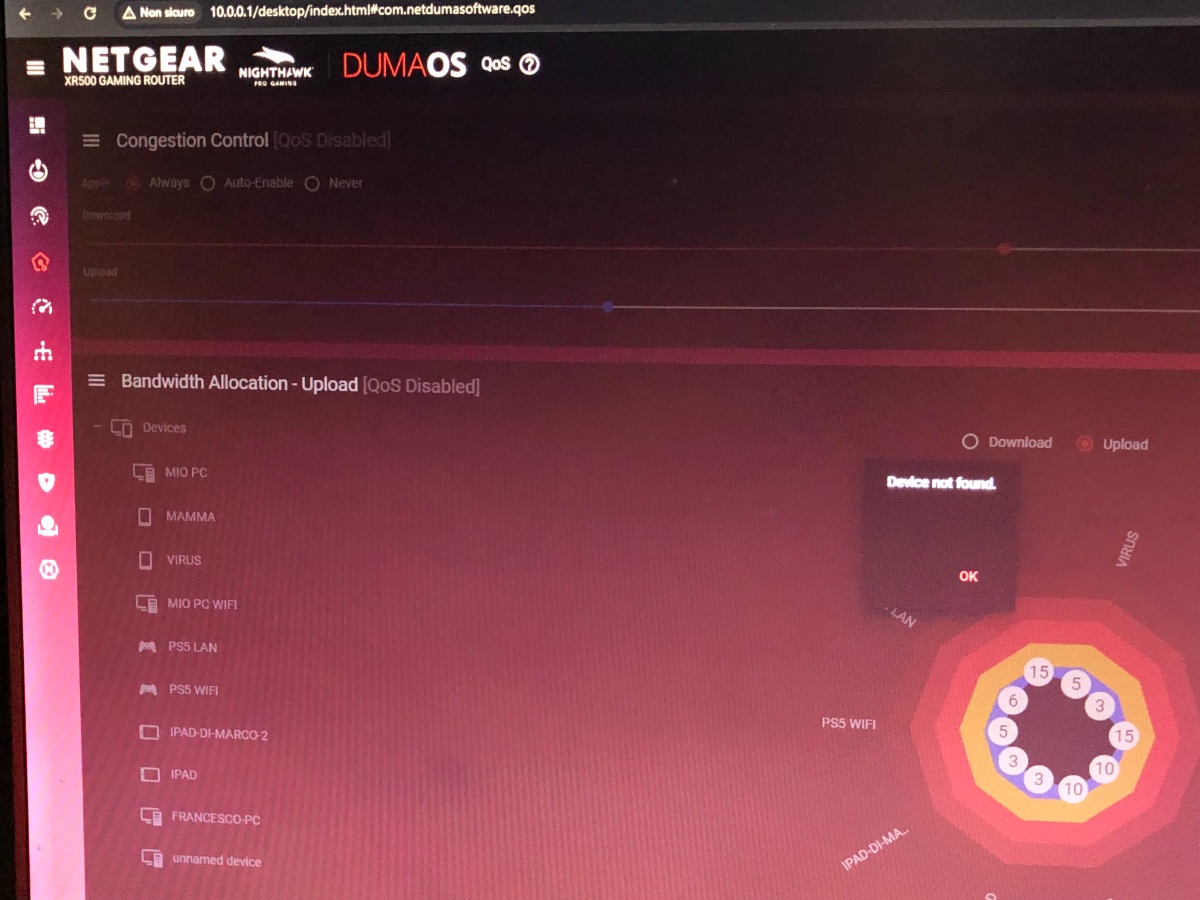
I set the serial number of the router and ok, immediately after it asks me to answer the secret questions that I have set personally and it gives me an error, I will never get out of it ....
.png)