Junglee
-
Posts
17 -
Joined
-
Last visited
About Junglee

-
Thank you @Netduma Fraser On a separate note is there a latest firmware i should be on now? A beta perhaps?
-
.png "Like") Junglee reacted to a post in a topic:
XR500 with V2.3.3.136 code cannot connect over https
Junglee reacted to a post in a topic:
XR500 with V2.3.3.136 code cannot connect over https
-
Hi, I can't seem to connect to my XR 500 over https://192.168.1 anymore in safari or chrome on macOS Sequoia. I can only connect over http://192.168.1.1. How do I get it to work over https:// In Safari I get "Safari cannot establish a secure connection to the server" In Chrome I get `NET::ERR_CERT_AUTHORITY_INVALID`
-
Hi, Does content filtering still not work on https sites? is there any other way of blocking sites
-
Junglee reacted to a post in a topic:
R-APP Device Manager will not load
-
R-APP Device Manager will not load
Junglee replied to Junglee's topic in NETGEAR Nighthawk Support (XR range)
Sorry but by #1, do you mean going to 192.168.1.1, because that's where the issue is occurring. I'm to sure what the Main web interface is. Downloaded DumaOS and Device Manager shows 0 devices 😞 -
R-APP Device Manager will not load
Junglee replied to Junglee's topic in NETGEAR Nighthawk Support (XR range)
Thank you.. other than the R-APP is there any other way of seeing what devices are connected? -
R-APP Device Manager will not load
Junglee replied to Junglee's topic in NETGEAR Nighthawk Support (XR range)
Okay I've done the above.. it's a little bit better where the widgets load on the main screen. but the device manager still fails to load. The device manager keeps spinning and then errors out -
JDeSi reacted to a post in a topic:
R-APP Device Manager will not load
-
R-APP Device Manager will not load
Junglee replied to Junglee's topic in NETGEAR Nighthawk Support (XR range)
I downloaded the firmware from netgear directly and re-installed it again. But no luck.. -
R-APP Device Manager will not load
Junglee replied to Junglee's topic in NETGEAR Nighthawk Support (XR range)
This problem has always occurred albeit in the past a reboot fixed it for a while and then r-apps would again quit loading. Today the r-apps wouldn’t load on a reboot. So I upp’ed the retries to 5 and then rebooted. Still no luck. Then I updated my firmware to the latest and again no luck. I also hard cycled it and left it unpowered for 30 seconds. still no luck. im not able to see what devices are connected -
R-APP Device Manager will not load
Junglee replied to Junglee's topic in NETGEAR Nighthawk Support (XR range)
Hi, yes, I waited 10 minutes after rebooting before accessing the dashboard.. and same result -
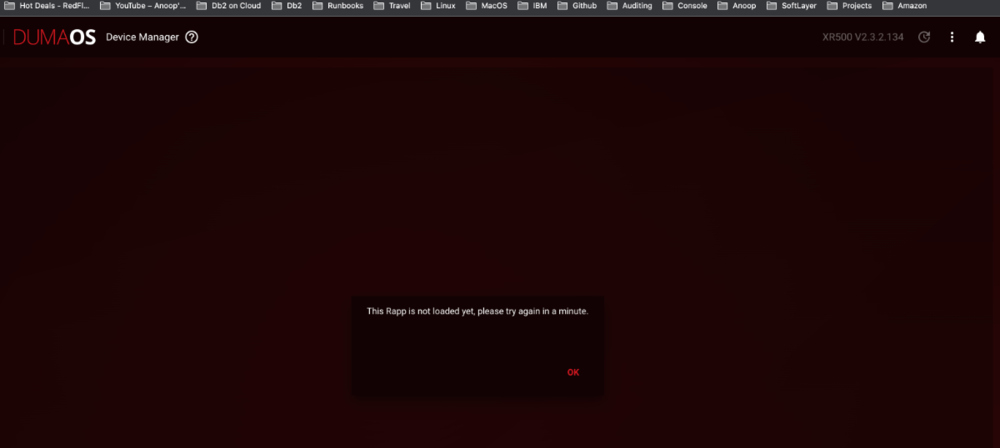
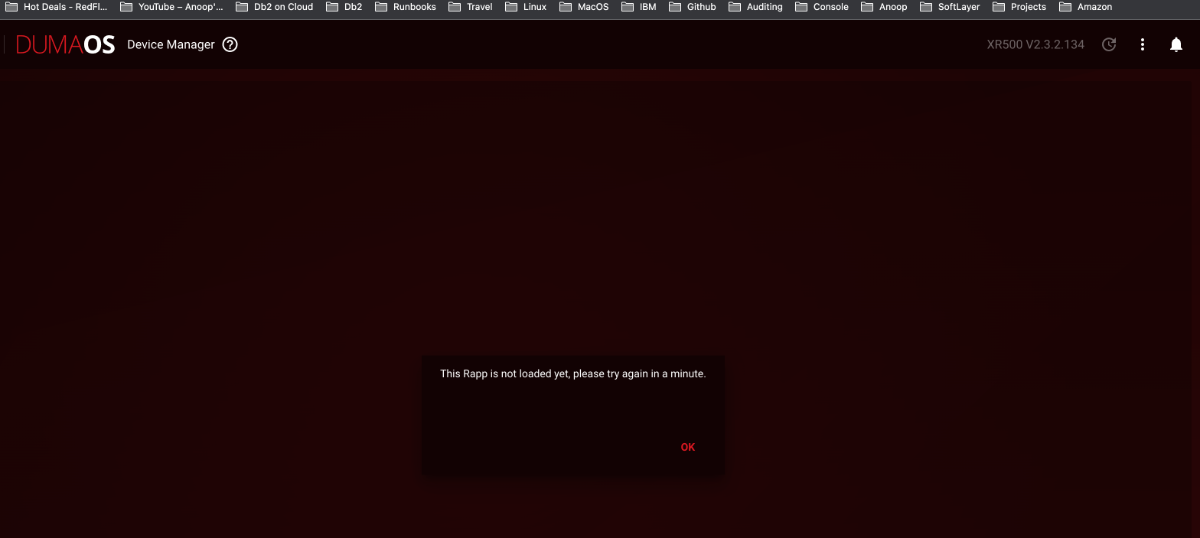
Hi, I'm on the later firmware on my xr500 and the device manager will not load. I've also update the r-app retries to 5 and power cycled but that did not help. How do I get my device manager to work? I'm using chrome